- RADIO
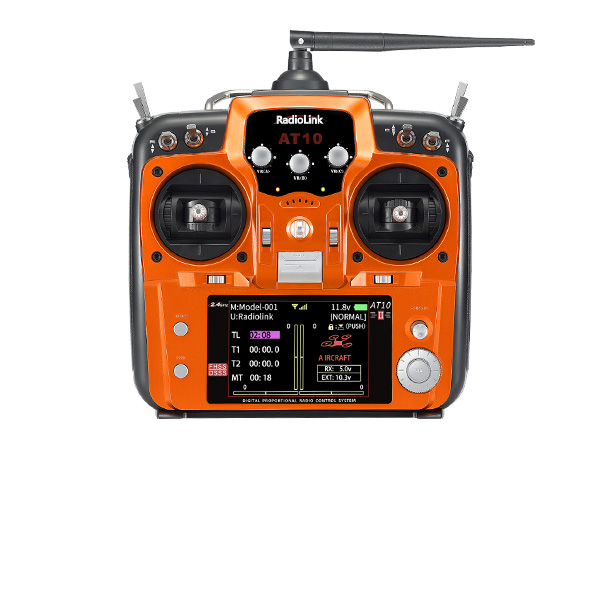
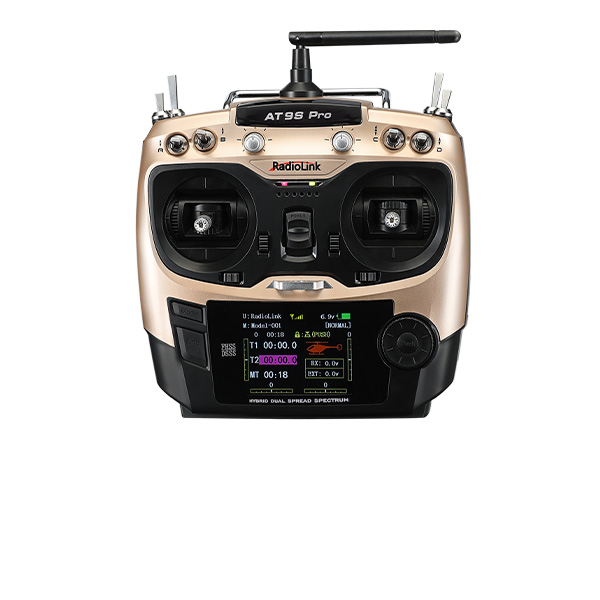
Aircraft Transmitters-AT Series
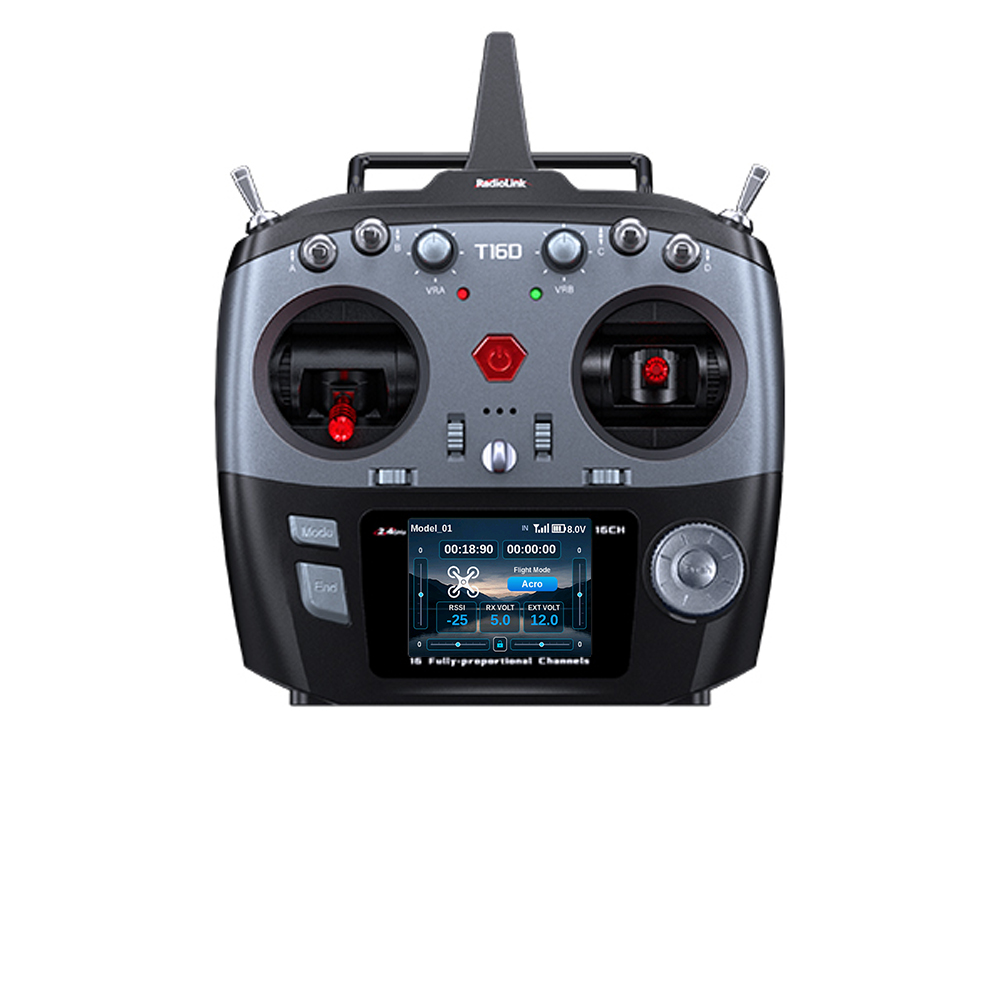
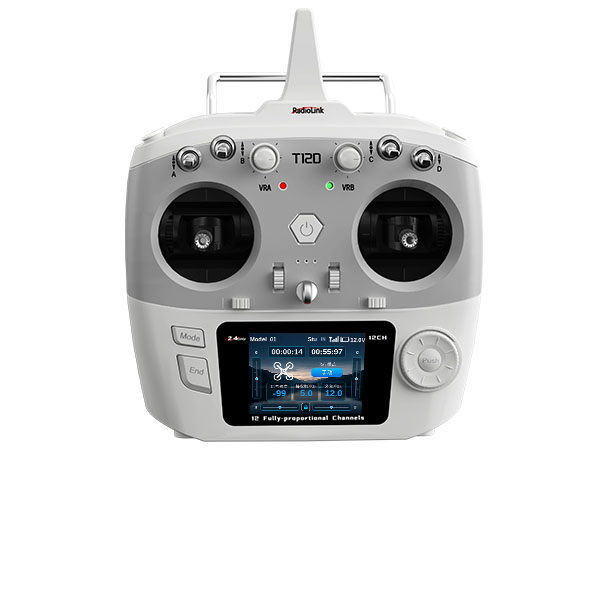
Aircraft Transmitters -T Series
Surface Transmitters
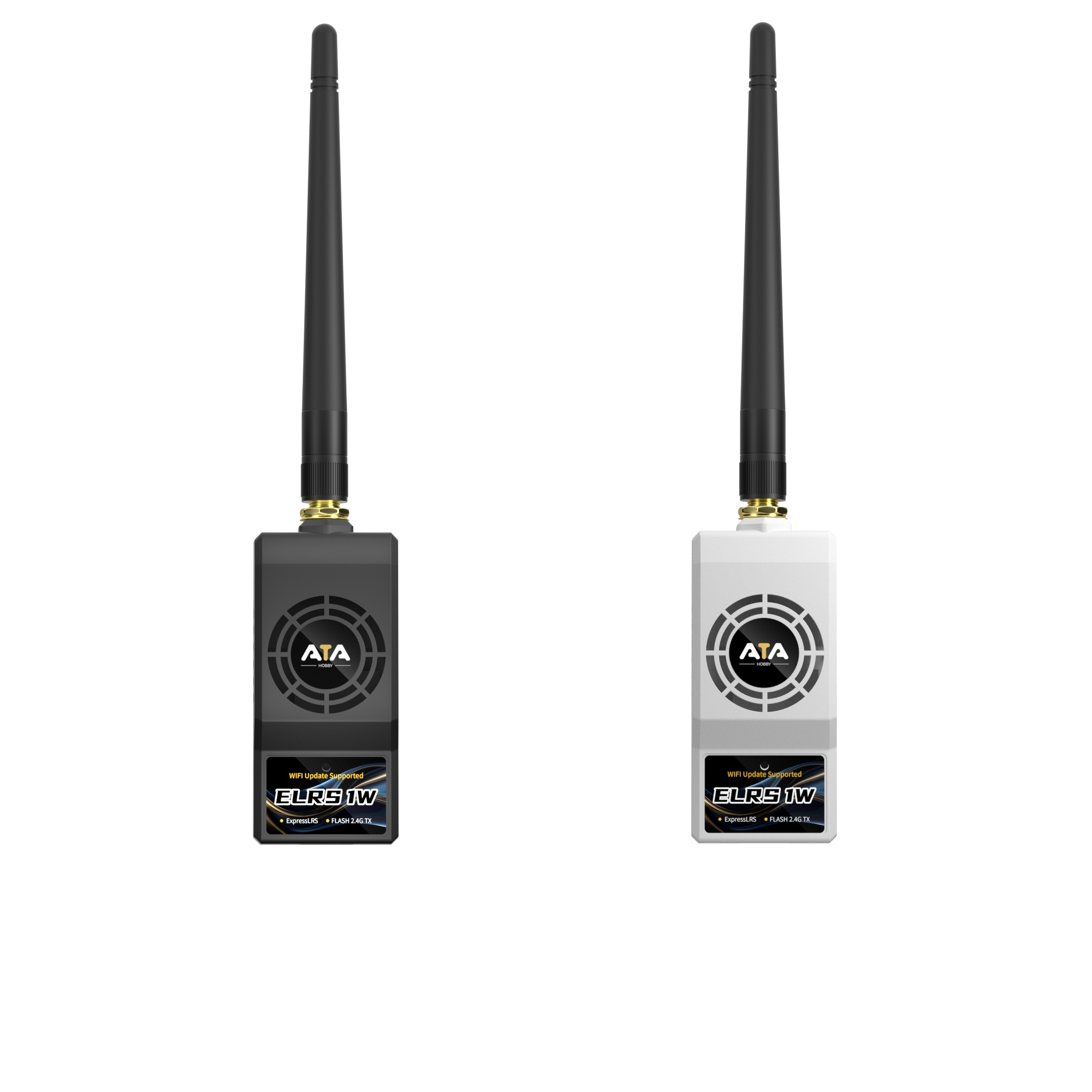
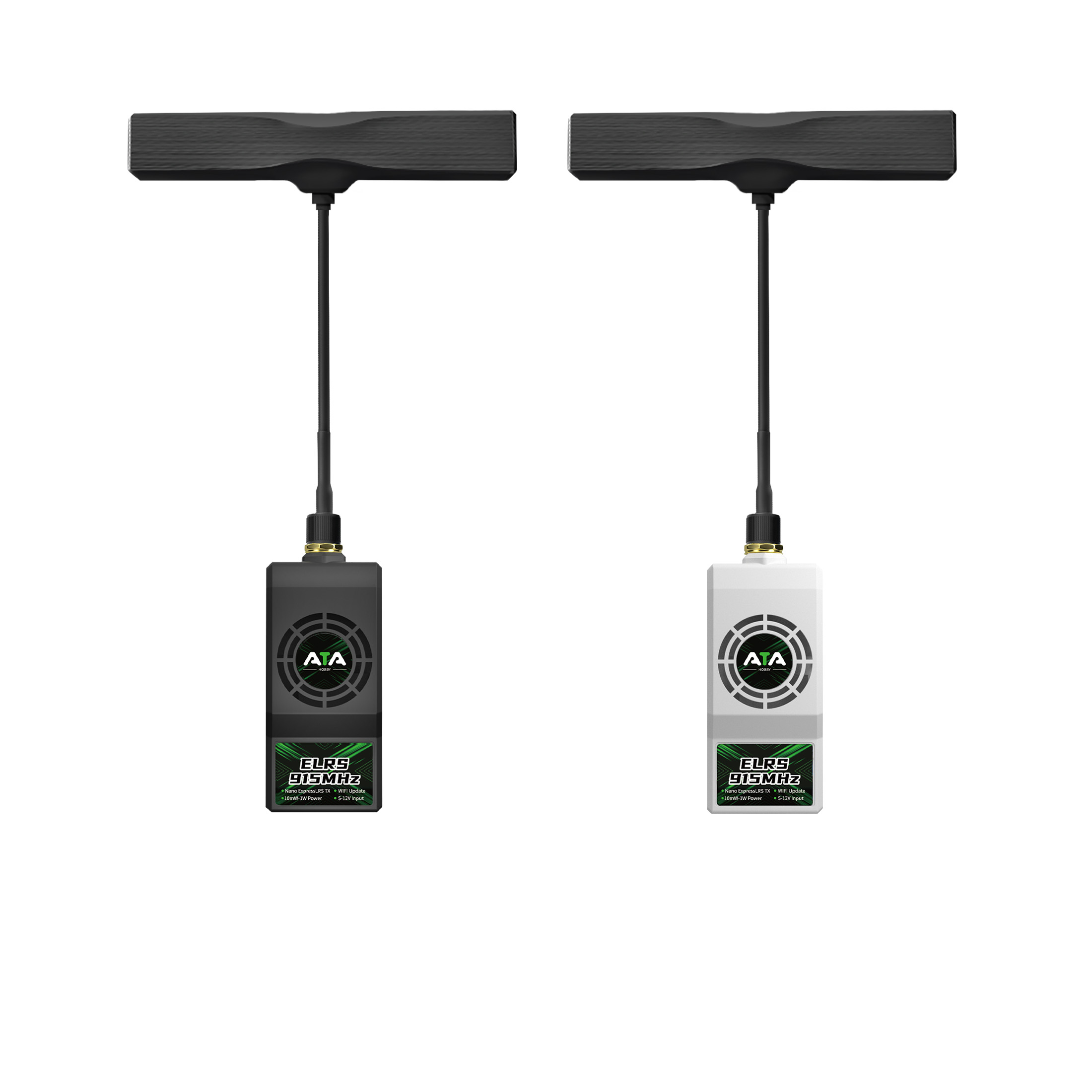
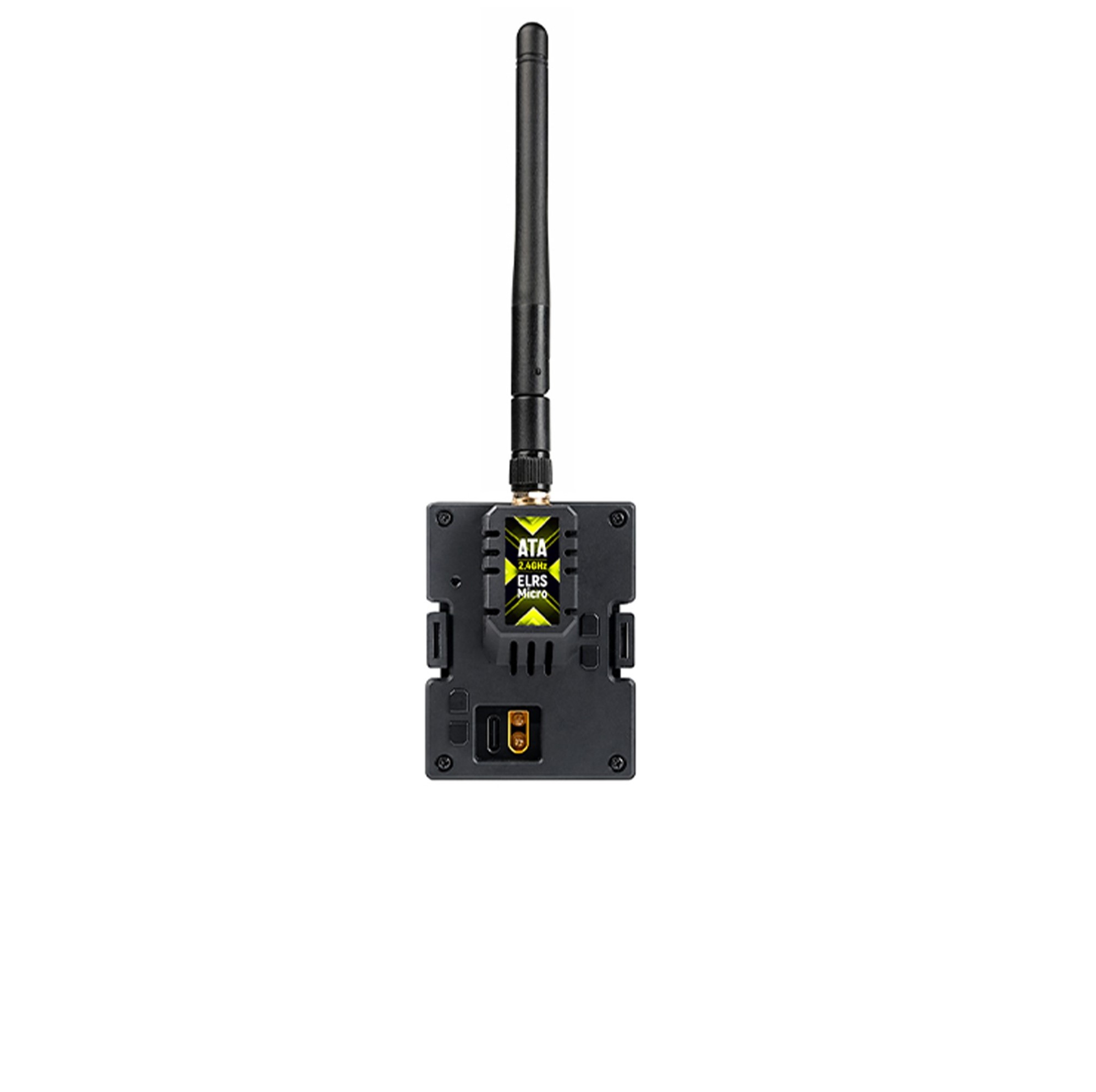
ELRS Long-range Module
Wireless Trainer System
NEW
NEW
- FC SYSTEM
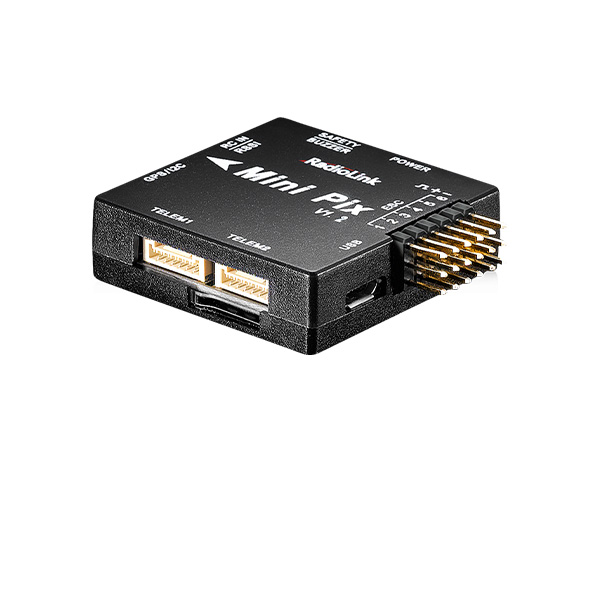
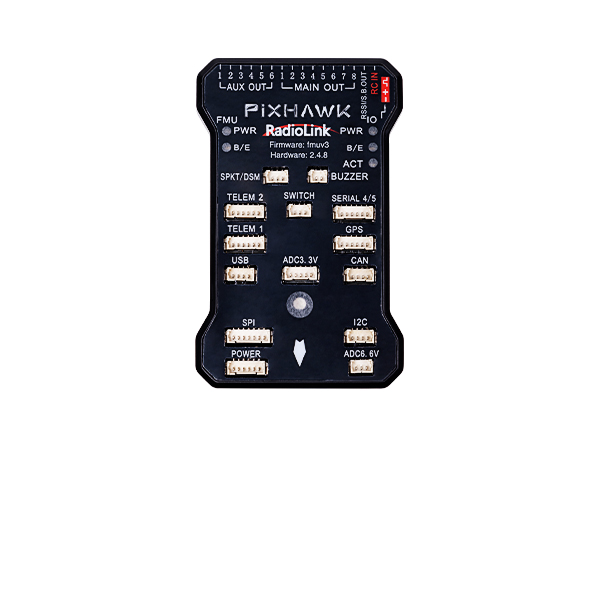
FC for Fixed Wing
GPS
RTK Kit
12C Boards
Ultrasonic Sensor
Digital Video
Transmission Adapter Board
Flight Controller(Mission Planner)
NEW
- RECEIVER
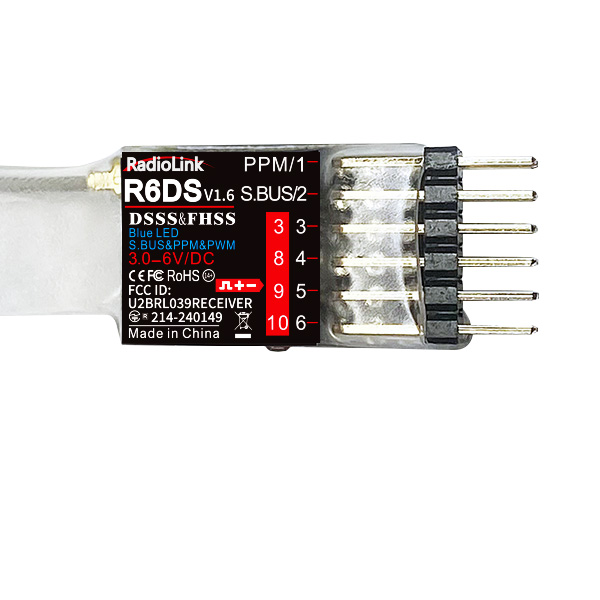
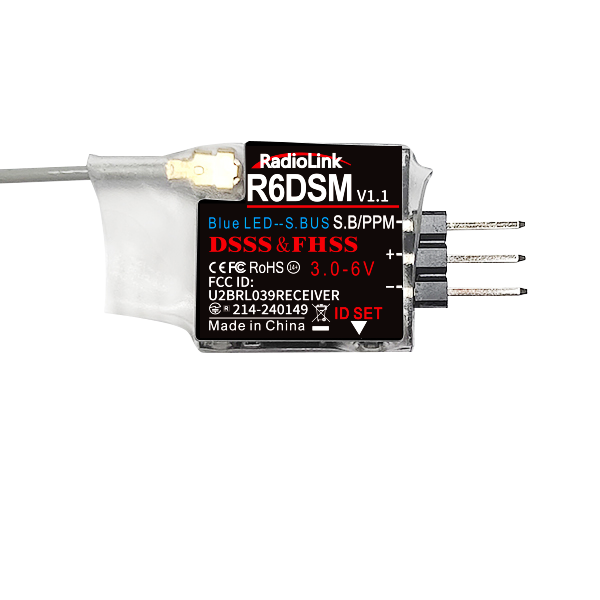
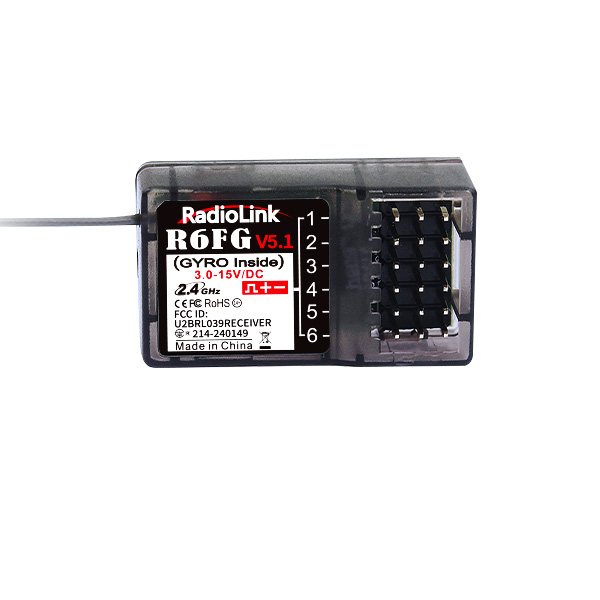
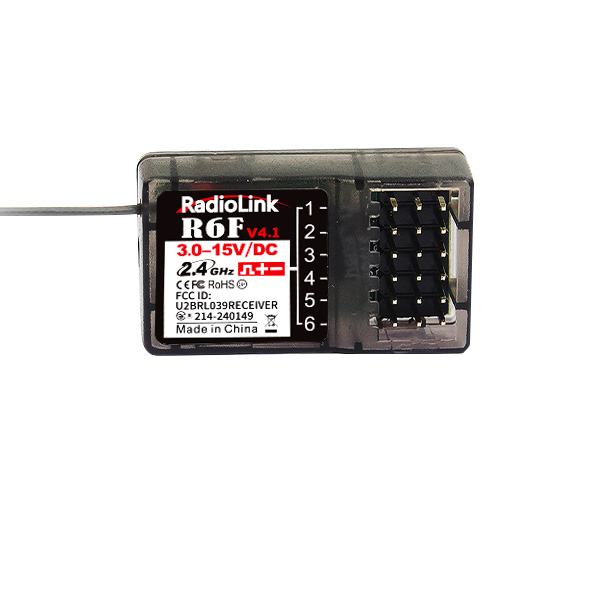
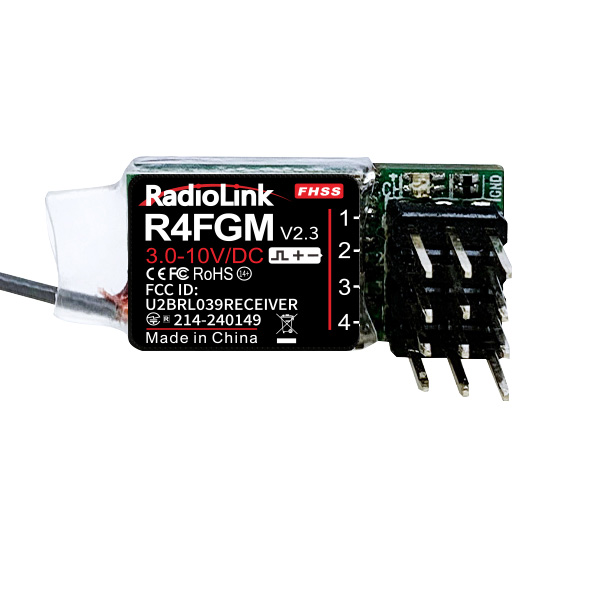
Receivers - compatible with AT10II, AT10, AT9S Pro, AT9S, AT9
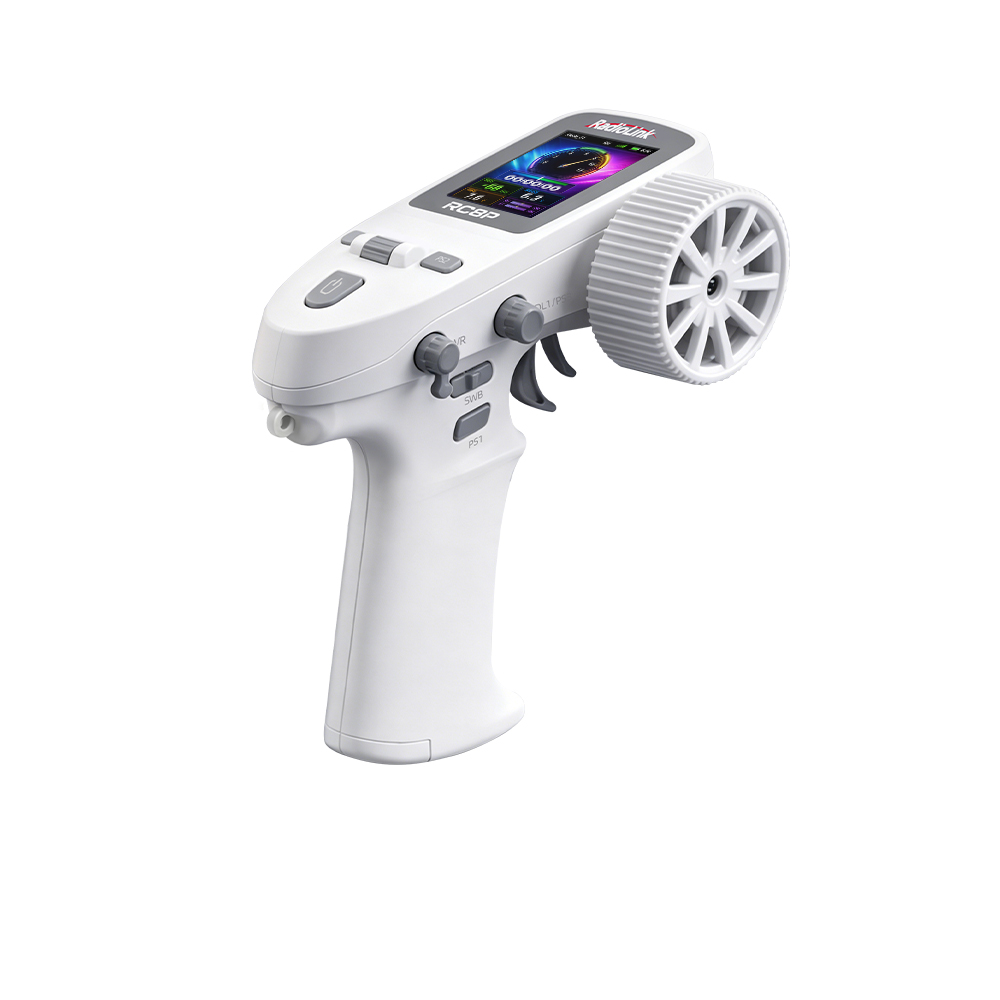
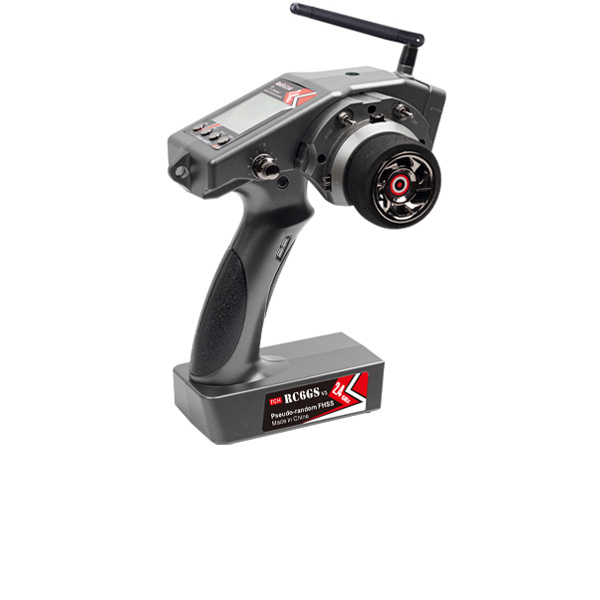
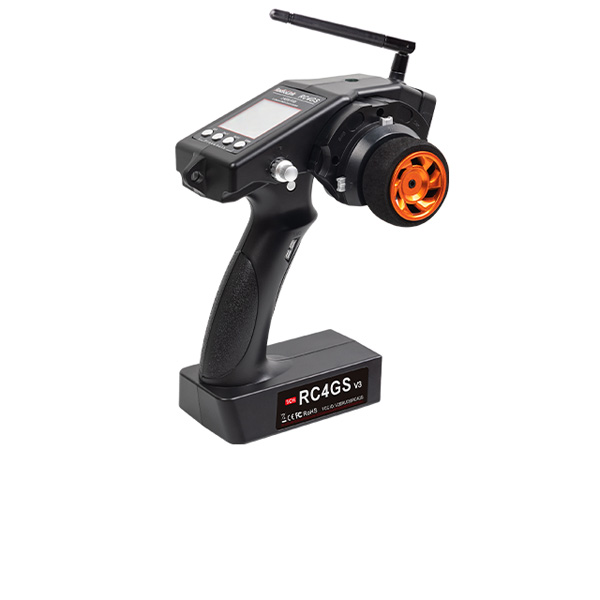
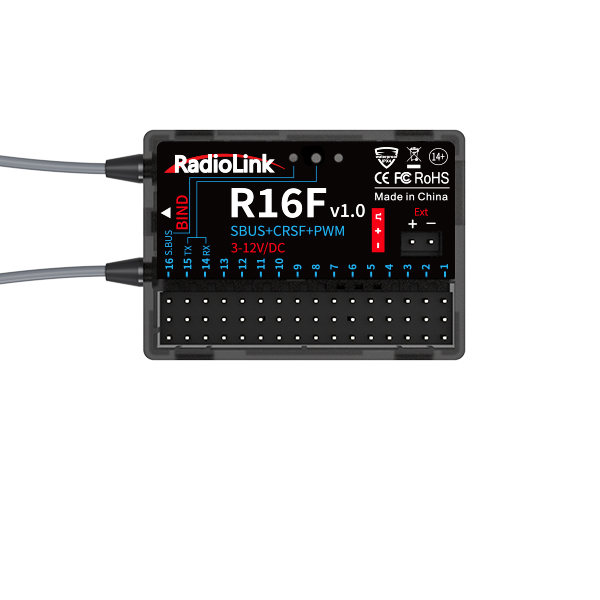
Receivers - T16D, T12D, T8FB, T8S; RC8X, RC8P, RC6GS V3, RC4GS V3, RC6GS V2, RC6GS, RC4GS V2, RC4GS
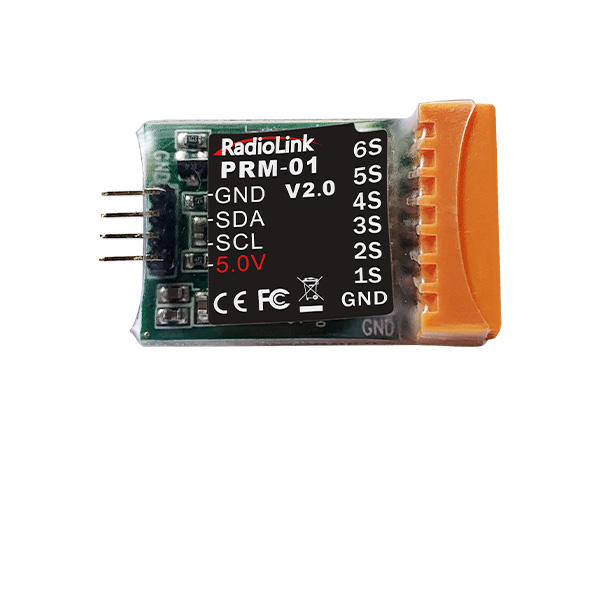
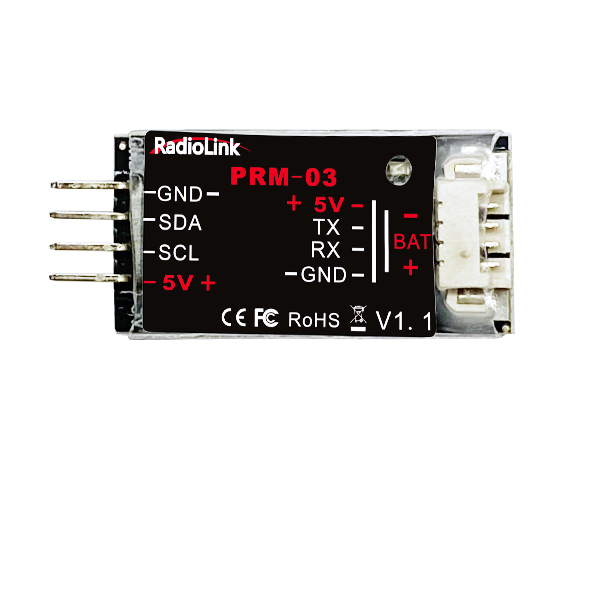
Telemetry Module
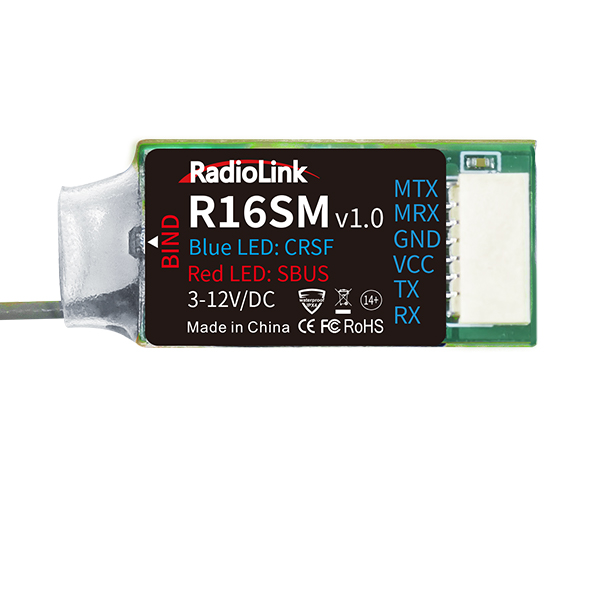
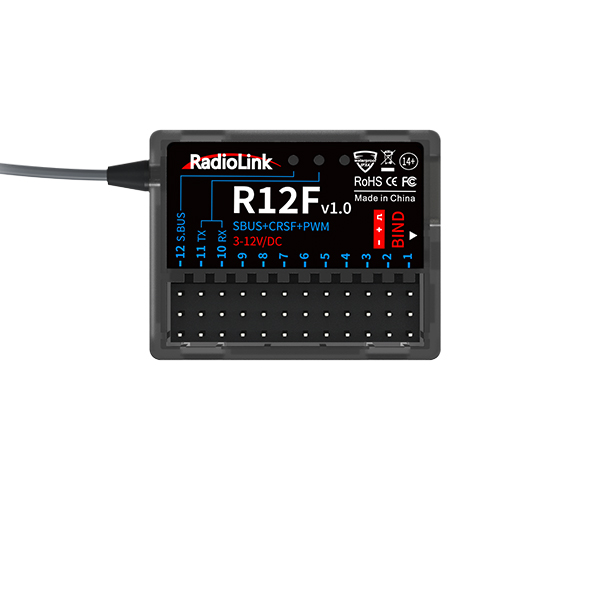
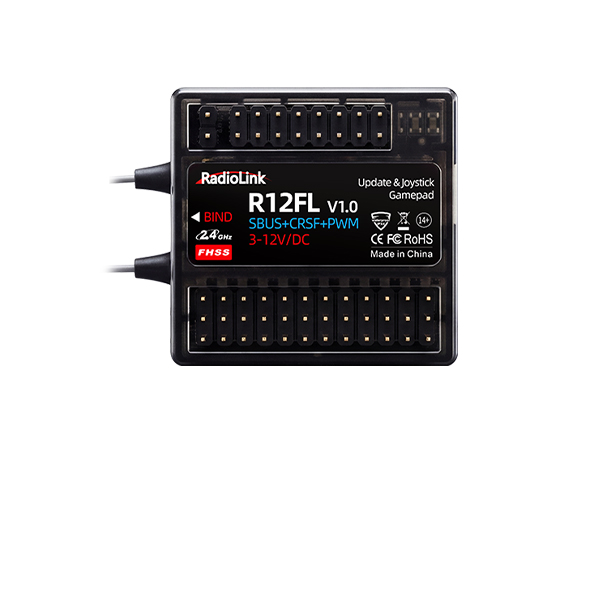
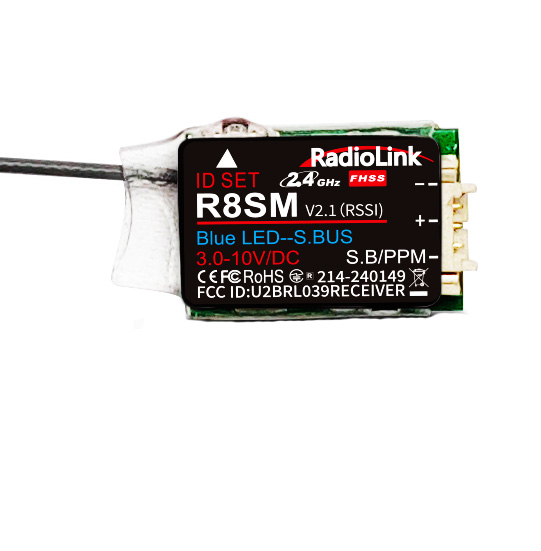
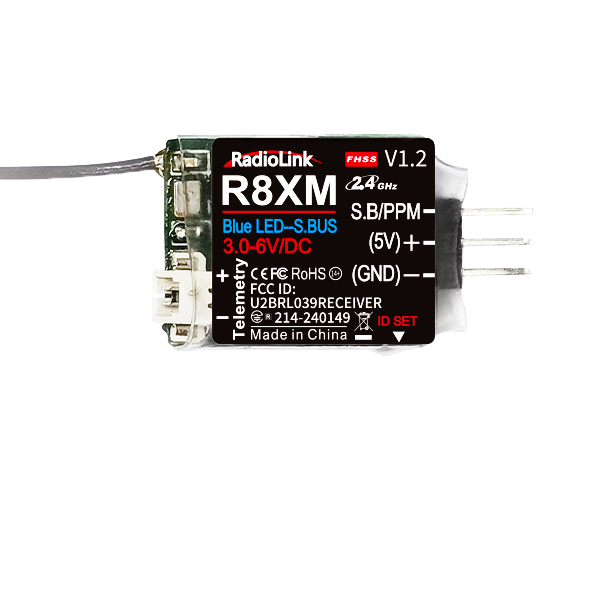
ELRS Receiver
NEW
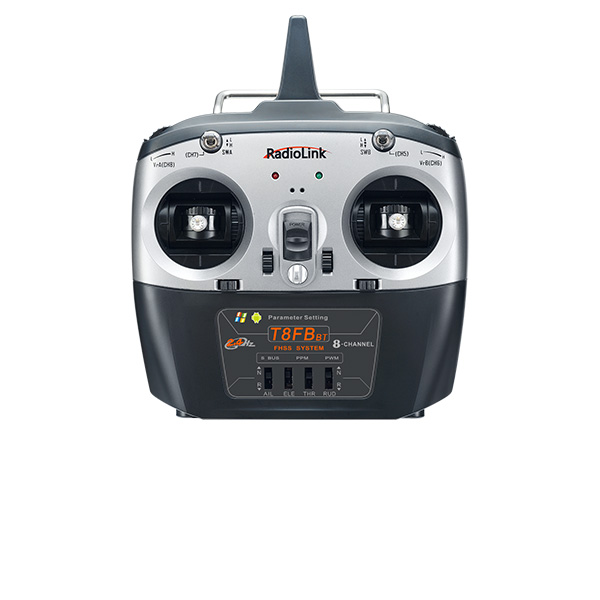



 简体中文
简体中文 English
T8FB(BT) Parameters Setup APPs
- ① Parameters Setup APP for iOS mobile phone: you can search for the APP in the Apple App Store and download it(for free) by inputting T8S, T8FB, or Radiolink or download it from our website below
- ② Parameters Setup APP for Android mobile phone: you can download it from our website below
- ③ Parameters can be set by Windows7, 8, 10, 11, XP computer
1. Mobile Phone APP( for Android)
(1) V11.6 Parameters Setup APP by Android Mobile Phone
Click to download the mobile app V11.6 for parameter setup.
The latest Android mobile phone APP V11.6 or Apple mobile phone APP V4.2.2 is updated with new functions:
Note
1) Only compatible with the current T8FB Bluetooth version
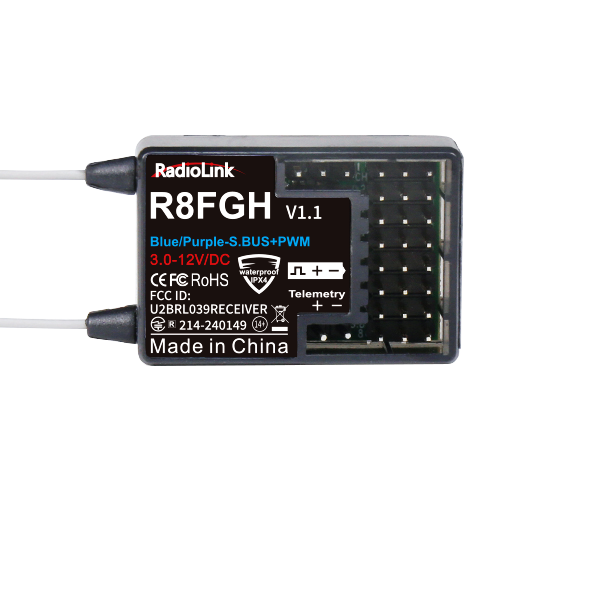
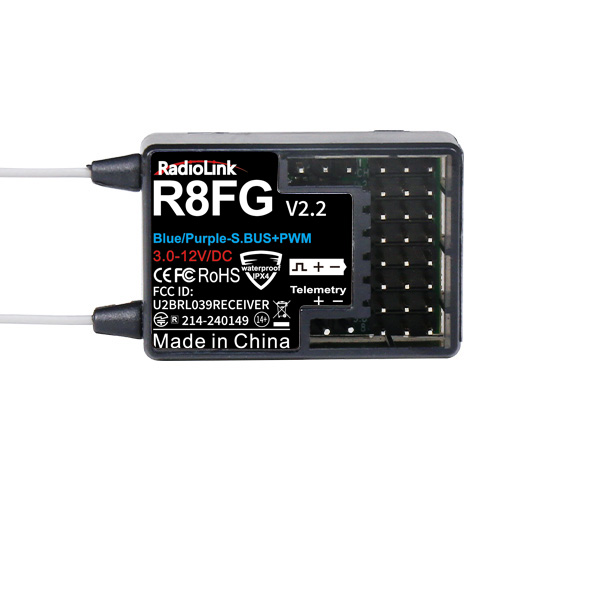
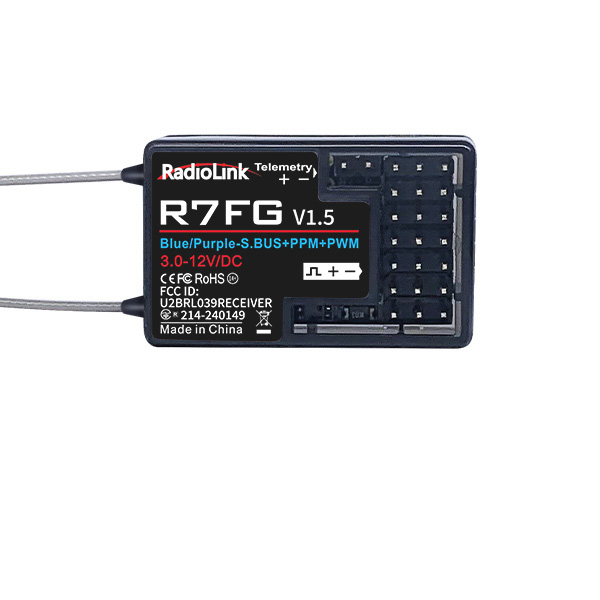
2) To realize the telemetry functions, T8FB needs to work with RadioLink receiver R7FG, R8FG, R8FGH, or R16F.
3) To fully enjoy the added new functions of unlimited model storage and telemetry display of RSSI and model battery voltage, the APP version needs to be updated to Android mobile phone APP V11.6 or Apple mobile phone APP V4.2.2, and the firmware of T8FB needs to be upgraded to V571
2026-06-11
 T8FB(BLE) Latest Firmware_V571.hex
112.99 KB
2025-12-26
Or scan the QR code below to download the V11.6 APP directly onto an Android phone
The latest version of the Android phone tuning app (version V11.6) includes the following new features:
Improvement: Fixed the display issue where the "step" and "swt" settings under "TRIM" were shown incorrectly (messed up).
Attention:
When you use the V10.2 parameter setup APP, the transmitter is already powered on, and you have clicked the "CONNECT" button on the APP; however, the mobile phone parameter setup APP cannot find the transmitter. Please check:
(1) If the "Location" of your mobile has turned on
(2) turn on the location of the APP by following these steps:
① Choose "Notifications" in "Settings."
② Click "T8S&T8FB" in "Notifications" and then click.
③ Choose "Permissions" in APP info, and then click "Location" in "T8S&T8FB" permissions
④ Choose "Allow only while in use". If the APP is the default "Allow only while in use", please change to "Deny" first and then change back to "Allow only while in use."
The APP will not collect any user information; you can even use this APP without an Internet connection. The APP asked for Location Permission, only used for connecting and telemetry functions.
If all the steps above have been completed, but the mobile phone parameter setup APP still cannot connect to the transmitter successfully, please download version V603.
② V603 Parameters Setup APP by Android Mobilephone
Click to download the mobile app V603 for parameter setup.
The APP V603 is updated with new functions of unlimited models storage and telemetry display of RSSI and model battery voltage.
Note
1) Only compatible with the current Bluetooth version of T8FB;
2) To realize the telemetry functions, T8S needs to work with RadioLink receiver R16F, R7FG, R8FG or R8FGH.
- T8FB(BLE)_APP V603_2020.7.6.apk
611.68 KB
2025-01-15
Or scan below QR code below to download the V603 APP directly into your Android phone

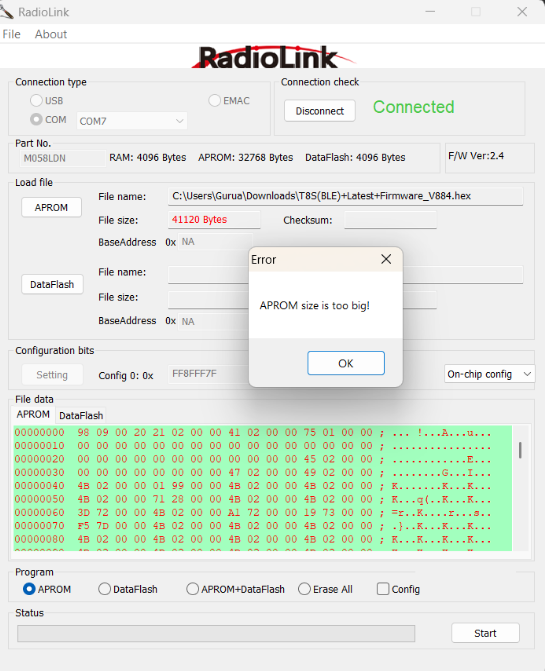
Note: If during firmware flashing, you encounter the error "APROM size is too big!" (as shown in the figure below), it means the T8FB can only flash firmware versions V830 and earlier.
T8FB Firmware Versions and Corresponding App Versions | |||
Firmware Version | PC App Version | Android App Version | iOS App Version |
V530 and earlier | V4.2-V5.1 | V7.0-V9.4.4 | V4.2.0- V4.2.2 |
V563 and later | V6.0.2-V11.1 | V10.0-V11.6 | V10.0 - V11.2.1 |
Note: T8FB helicopter firmware starts from version V563. | |||
Firmware download addresses for different versions:
https://www.radiolink.com.cn/firmware/transmitter/T8FB(BT)/
Android and PC setup APP download addresses for different versions:
https://www.radiolink.com.cn/firmware/apk/
2. Mobile Phone APP(for iOS)(New Version T8FB(BT) only)
Search the APP in the Apple App Store and download by inputting T8S, T8FB or Radiolink.
Attention: When the Apple mobile phone downloads the T8S/T8FB parameter adjustment APP, the following problems may occur, which can be solved according to the following tips:
① If the version of your iPhone is 13.6, you can search the APP in the Apple App Store but cannot download it after inputting T8S/T8FB/Radiolink, and it prompted that version 14.4 or above is required, please follow the prompts to upgrade your phone to 14.4 or higher version.
② If your iPhone version is 11.3 (15E216), you cannot find the APP after inputting T8S/T8FB/Radiolink in the Apple App Store. In this case, you can click the link https://apps.apple.com/cn/app/radiolink/ id1526423846, and then check what the pop-up prompt is, just follow the prompt.
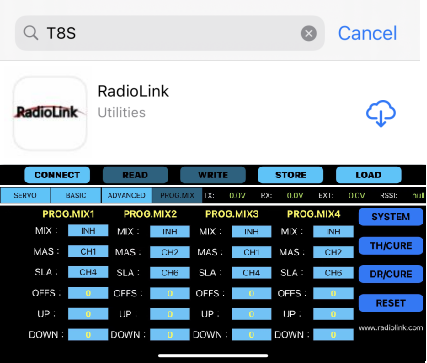
How to install the mobile phone parameters setup APP
3. Parameter Setup APP (for Computer)
① Click to download the drive(the drive have to be installed at the first time to use the computer APP)
 UpgradeDrive.zip
188.37 KB
2024-12-02
Note:
Please install the driver when using the computer parameter set APP for the first time. For the T8FB/T8S upgrade driver installation tutorial, please click the article below to view it.
If the computer is a Windows 7, 8, or XP system: https://www.radiolink.com.cn/driver_for_T8FB/T8S_firmware_upgrade_tool_installation
If the computer is a Windows 10 or 11 system: https://www.radiolink.com.cn/T8FB_and_T8S_parameter_setup_software_driver_installation_for_WIN10
WinZip(design by 360, free)
If you do not have the WinZip Tools to decompress upgrade files, please click to download and install the free WinZip Tool designed by 360.
- 360zip_setup_4.0.0.1220.exe
11.33 MB
2024-03-26
2024-03-26
② Click to download the computer software for parameter setup
2026-01-23
Attention: If you can not download the files when clicked above or zip file below, please click the website below to download the files you need. http://www.radiolink.com.cn/firmware/apk/